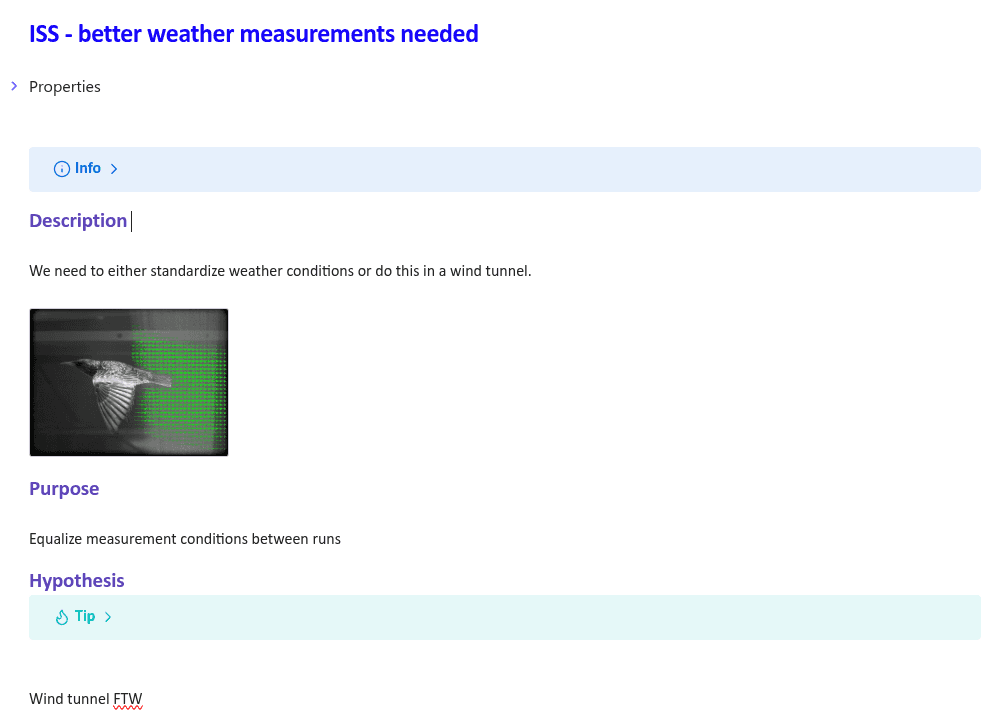
How to use Experiments
The Experiment is a container for your day-to-day work exploring a Hypothesis. It consists of an intervention and a metric used to track the result of that intervention. The Result is a statement of your observations regarding that intervention in terms of the appropriate metric.
Making an experiment page helps you track multiple days’ work and reflect on your progress towards your experiment target. Ideally the target is a Hypothesis you are testing, and the experiment page is a space to document and reflect on candidate results for that hypothesis.
A quick word on candidate nodes
Candidate Results are preliminary observations attached to a particular experiment. They might be first impressions formed from a certain data artefact. Use this tag to mark candidate results: #res-candidate
Candidate Issues surface potential problems or future experiments. Use this tag to mark candidate issues: #iss-candidate
When you’re more confident in the observation, you can use the “Create Discourse Node” popup to convert the candidate result into a proper Result. This will affect where the Result appears in queries and its appearance on your Project Canvas. It will also give you a warm sense of accomplishment (this can be done to mature all candidate node types).
Creating experiments
You can create a new experiment by
- Creating a new note and applying the Experiment Template from the Templater menu in the left sidebar
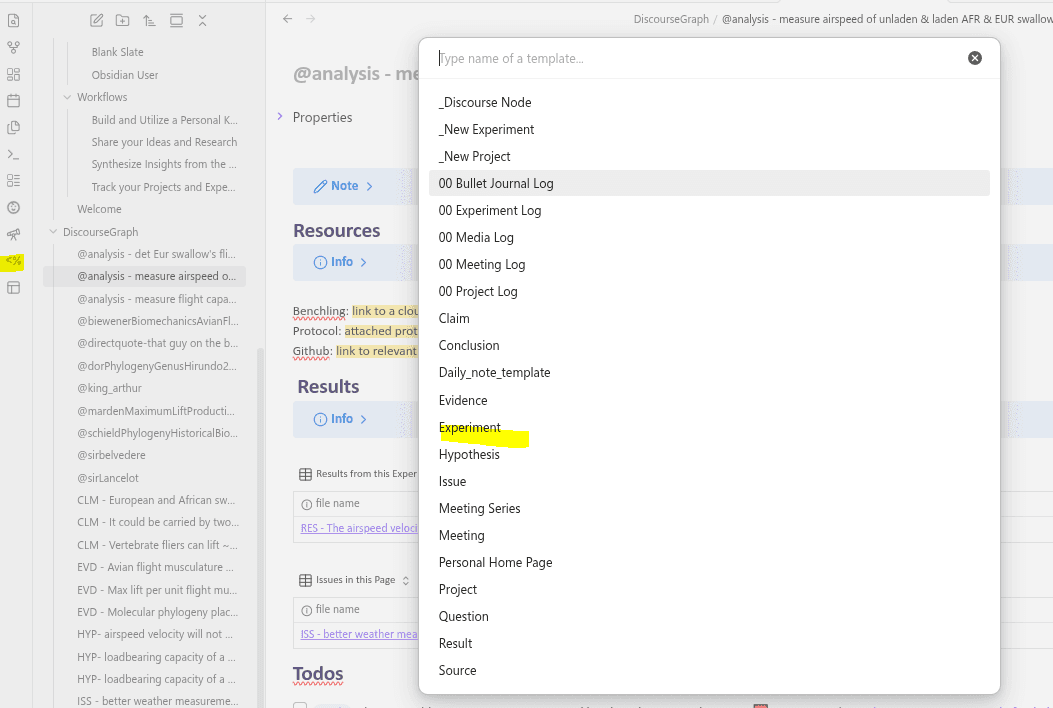
- Navigating to your “Experiments” base in the “Bases” folder and selecting ”+ New”

- Using any of the methods to create nodes (Remember, an Experiment is a type of Source)
Experiment relations
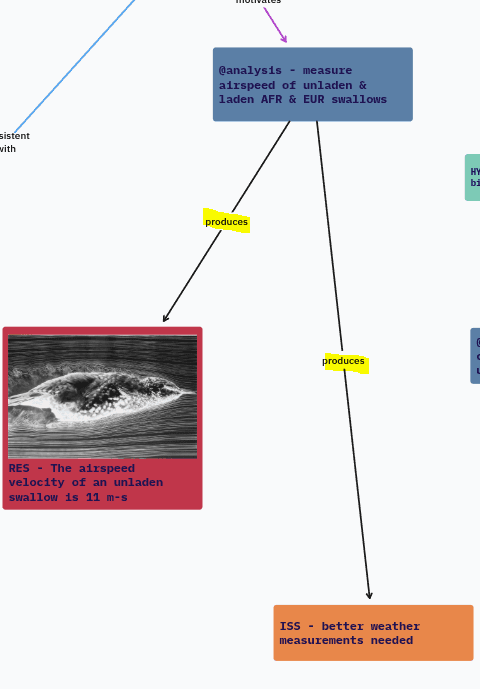
As a Source node, the Experiment has a special relationship to Result nodes: the Experiment produces Results.
Conversely, each Result in your graph should reference an Experiment.
The Experiment also has a relationship with the Issue node, as Experiments suggest/produce Issues that may later be developed into Experiments.
Transforming an Issue into an Experiment
If you decide an Issue captures something worth doing, you can easily change it into an Experiment: the Issue template is identical to the Experiment template, so you can either duplicate the node and change the name and metadata to use your preferred EXP syntax (e.g. “@measurement -”) or simply edit the title of the Issue in place.