Build and Utilize a Personal Knowledge Base
Turn your tsundoku pile into a knowledge base with discourse graphs
 Candidate for saddest short poem
Many researchers have established pipeline for accumulating potentially useful evidence and insights, but fewer ways of managing and exploiting these resources.
The discourse graph protocol can be used to drive more intentional note taking and to accentuate serendipitous discovery within existing knowledge bases.
Startup
If you’re already using Obsidian or Roam Research or another PKM platform, your first question might be “Can I integrate discourse graphs into my existing knowledge base?”
For Obsidian (& Roam), the answer is yes. Your discourse nodes can coexist with your existing graph: the two major considerations for a smooth integration are organizational preferences and vault size.
Vault organization
If you are a “folder-centric” Obsidian user, we recommend keeping your discourse graph an folder within your vault.
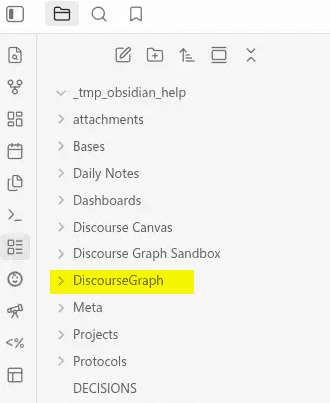
The Discourse Graph plugin lets you configure a default folder (or per-node-type folders) for discourse nodes in its settings, independent of Obsidian’s own “Default location for new notes” setting.
So Obsidian’s “Default location for new notes” setting (in Settings → Files & Links) can control where non-discourse notes go while the plugin routes new nodes to its own folder.
vault/
├── Discourse Graph/
│   ├── Questions/
│   ├── Claims/
│   └── Evidence/
└── Notes/          ← regular notes land here
As you convert more of your existing notes to discourse nodes via the plugin’s “Convert note to discourse node” command, move these notes to the configured discourse folder.
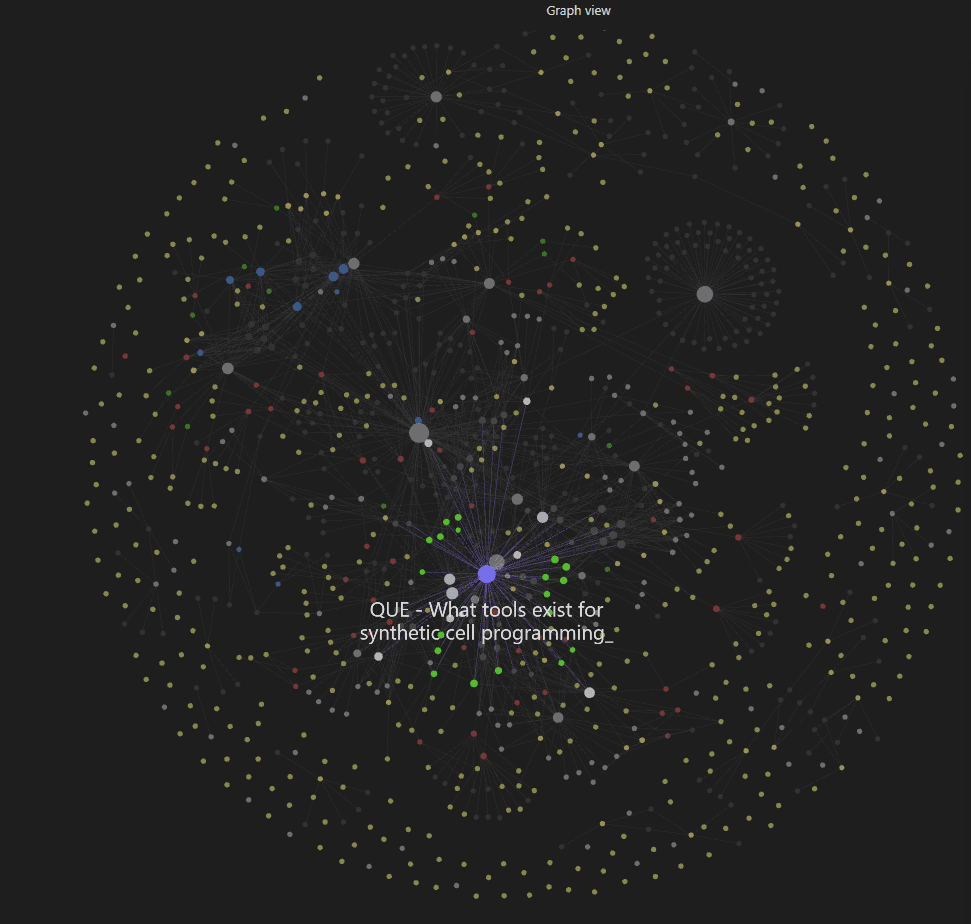
If you’re a “graph-centric” vault user, following Obsidian wiki-linking and discourse graph relation-creating practices will allow you to navigate a vault of arbitrary size without getting lost in unrelated material.
As you build out your graph, your discourse nodes will begin to form “paths of desire” around the central Questions in your vault.
Managing a large vault
“Vanilla” Obsidian accommodates very large vaults with very few issues. Vault size usually only becomes a problem when you’re running many script-heavy plugins at once. If you’re an Obsidian power user you may already be using a plugin like Dataview to run queries over your vault. The discourse graph plugin uses Datacore to power its queries, which is even more performant in large vaults than Dataview. These two plugins can both be used in the same vault, but we recommend keeping an eye on your plugin count to optimize vault load time.
Transforming existing notes into discourse nodes
You can transform a variety of file types into discourse nodes:
- readwise snippets
- memex imports
- screenshots
- captures from the Obsidian web clipper .
- articles from Zotero, etc.
As long as it can be referenced ([filename]) in a markdown file with the appropriate frontmatter, it can be part of your discourse graph.
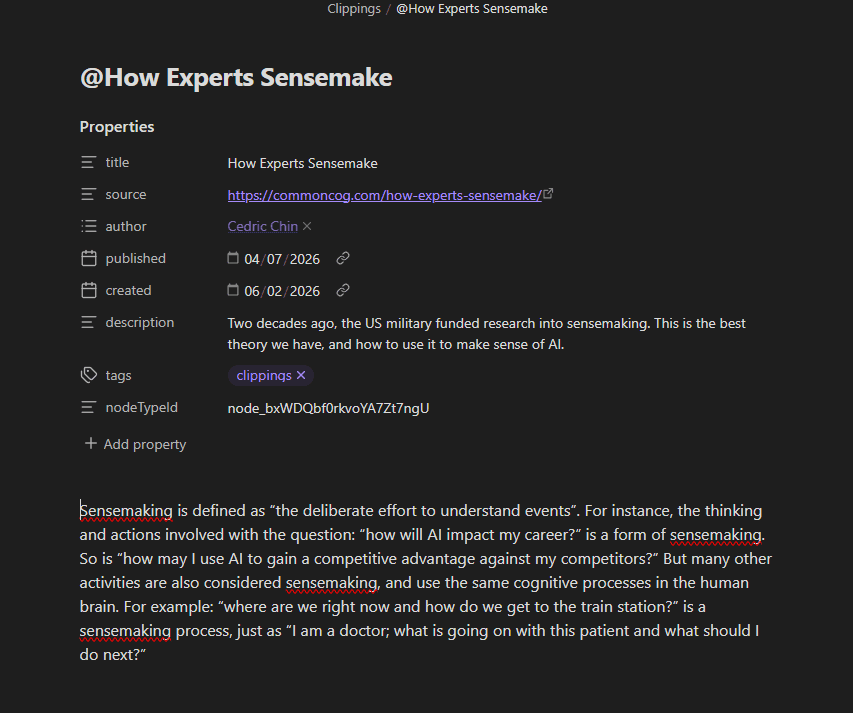 This web clipping has been converted into a Source
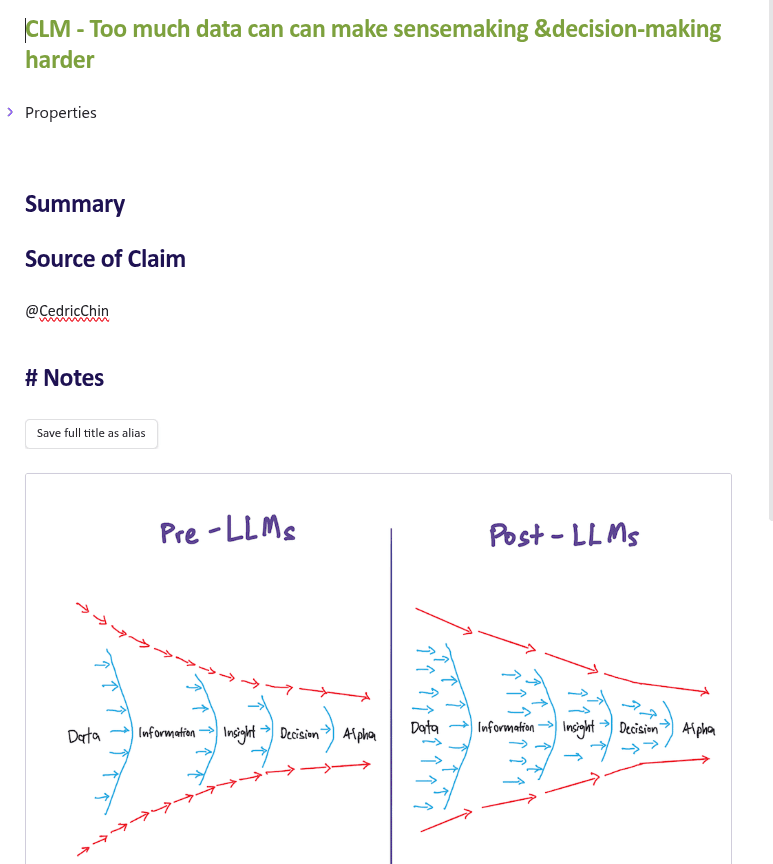 This web screenshot has been converted into a Claim
Best practices for node conversion
The goal of transforming a note into a dg node is to preserve as much context and information as possible while orienting the content toward the questions animating your research — or at least positioning it so that it suggests additional discourse nodes.
First, paraphrase the key insight of the note and record the source of the insight. This paraphrase is your new discourse node/filename. The rest of the note will become a Source node where the remaining note text can be retained as additional context for the insight. You might extract several discourse nodes or candidate nodes from a single web-clipped article, but breaking it out into a single DG node + SRC is enough to get started.
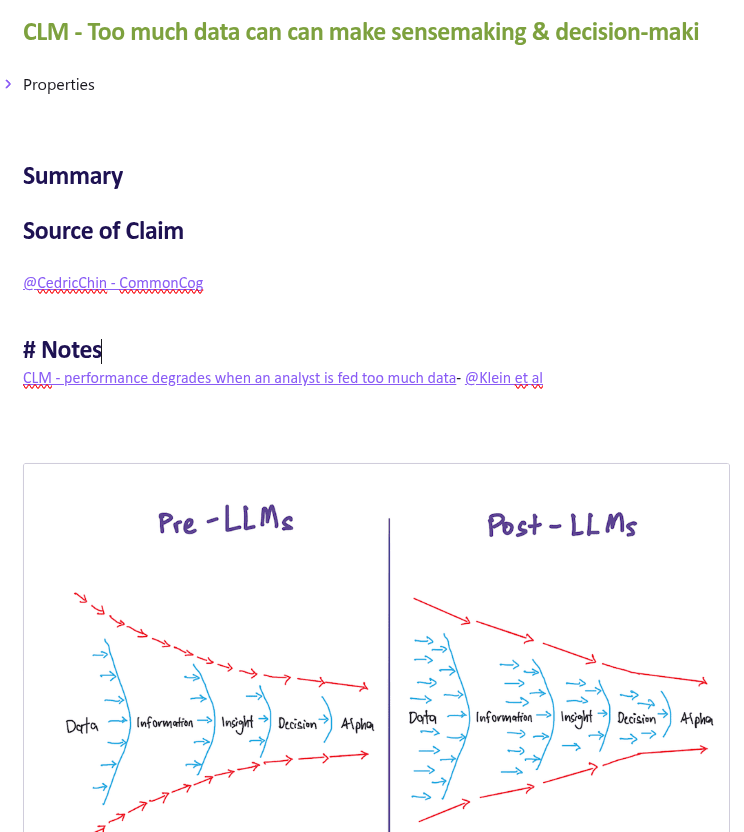 CLM node with SRC node attributing a blog
In the above image, you can see the a second related Claim and its Source has already been extracted from the same web clipping. If you decide to pursue this topic further, you’ve already identified another Source node to investigate (Klein et al.)
Adding [[wiki-links]] to key terms will keep your new node in conversation with the rest of your vault as you build your graph. This can help you to find appropriate discourse relations later.
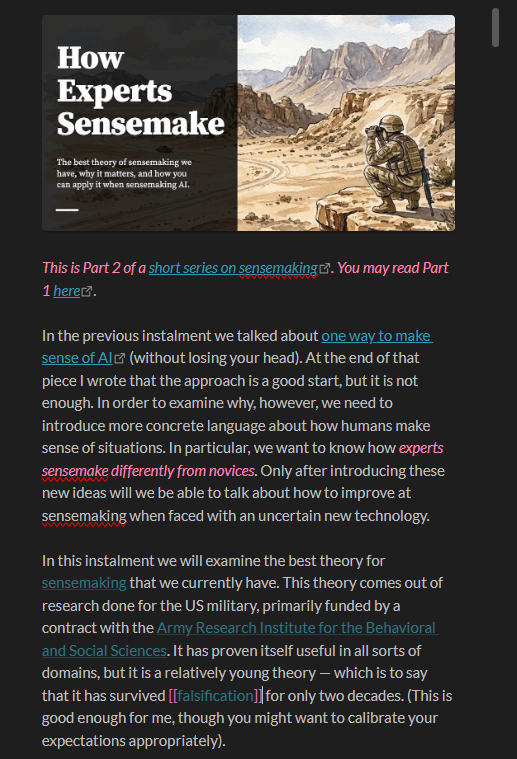 This SRC node from a web clipping is linked to the rest of the vault
As you go through your vault, you might find that certain sources are accumulating multiple mentions in your graph. Identifying especially productive sources can help you to decide how to allocate your attention.
Of course you may be the author of many of the original notes in your vault — in that case, we suggest retaining the relevant contextual information on the QUE/CLM/EVD node itself — but remember to create a Source node for yourself!

Progressive formalization
The goal is to gradually convert most of your existing notes into a graph of interlinked CLM, QUE, or EVD nodes.
You can jumpstart the process by identifying candidate nodes in your existing notes, and revisiting these notes to decide which nodes should be promoted to full-fledged discourse nodes. The trigger for such a promotion is identifying their relevance to one of your research questions, or finding a potential discourse relation elsewhere in your graph.
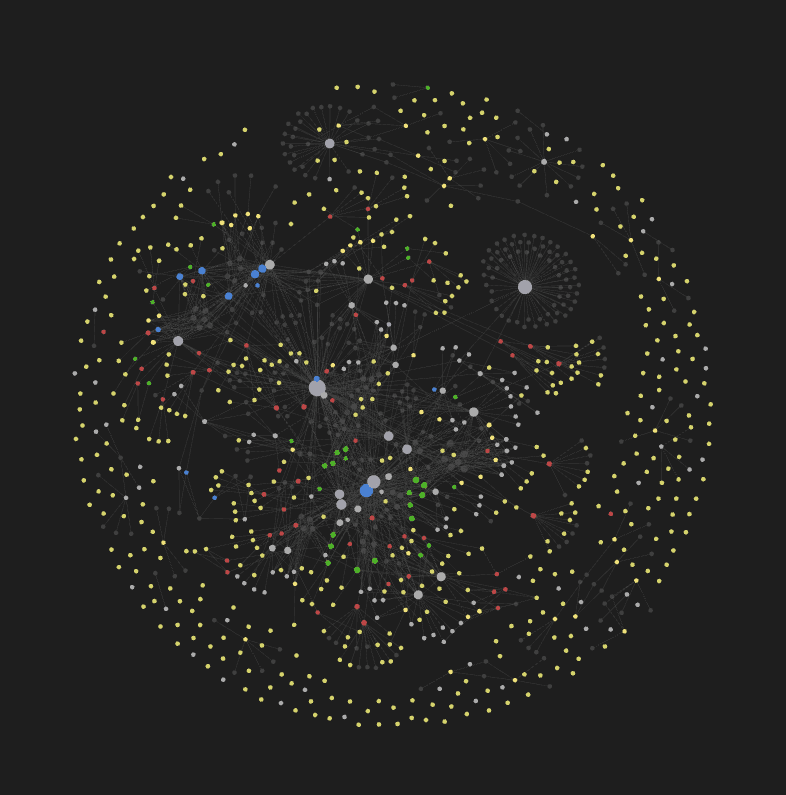 So much room for activities!
Creating new discourse nodes
Build out your discourse graph by reading with an eye to capturing information relevant to your current questions or that inspires new questions.
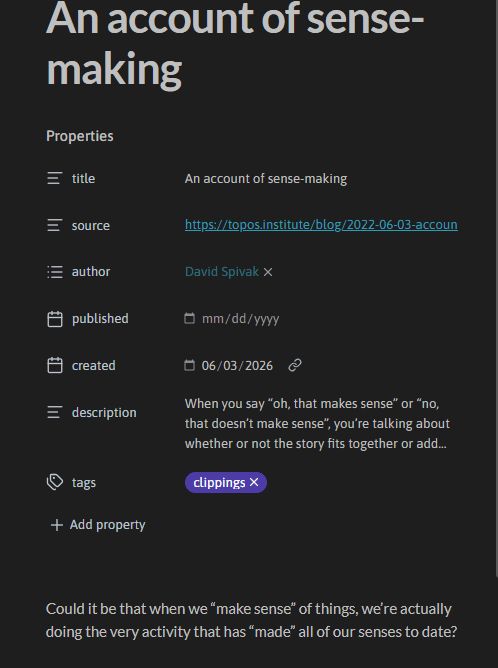 Here’s a web clipping captured with an eye to turning it into a CLM node - the Obsidian web clipper helpfully captures the source in the frontmatter
 … and here’s the CLM node. Note that it’s linked to 3 sources: one named after the article url where the full text is captured, one to the author, & one to the author’s institution — this reflects the organizational preferences of the vault owner; a single SRC node can contain all this information
This habit of intentional reading is a great way to nudge yourself toward contributing to the public conversation.

If you’re using a highlighter like memex or the Obsidian web clipper , you can
- highlight the relevant text
- import it into your vault via the tool’s import feature or copy-paste
- Select
Convert intofrom the file window menu to turn it into a discourse node
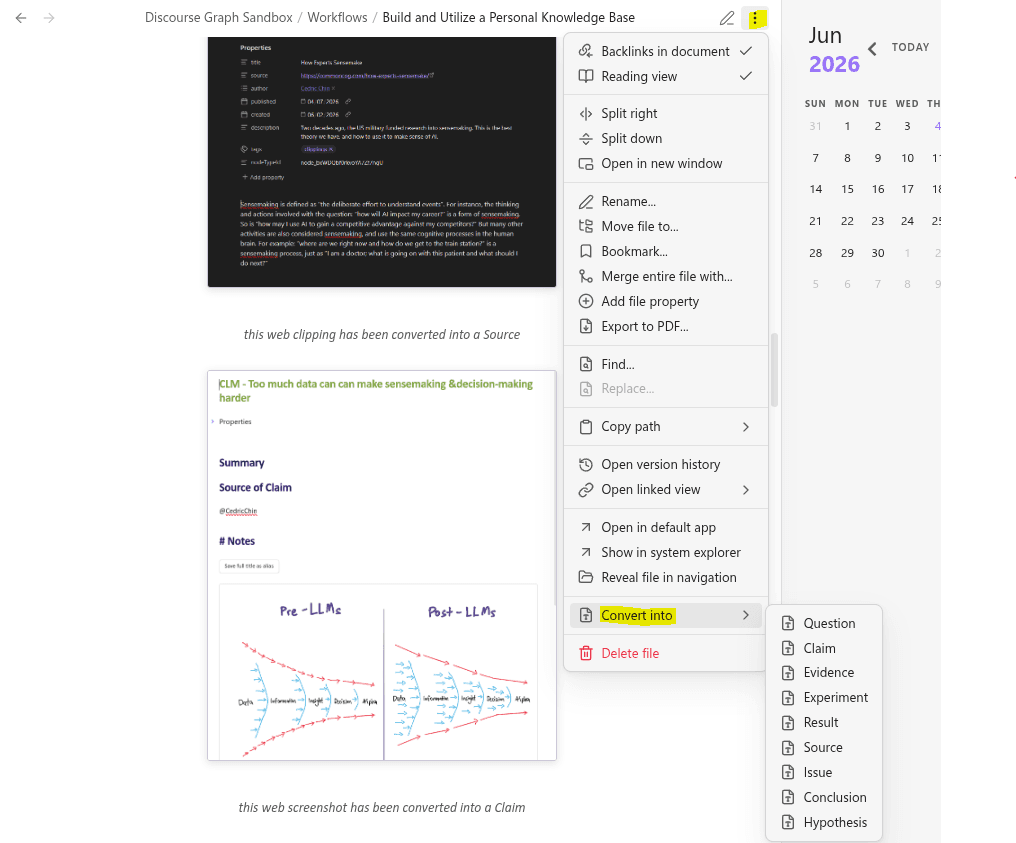
 Result node spotted in the wild
Similarly, plugins like Zotsidian enable you to import items from your reference manager pre-formatted as Sources.
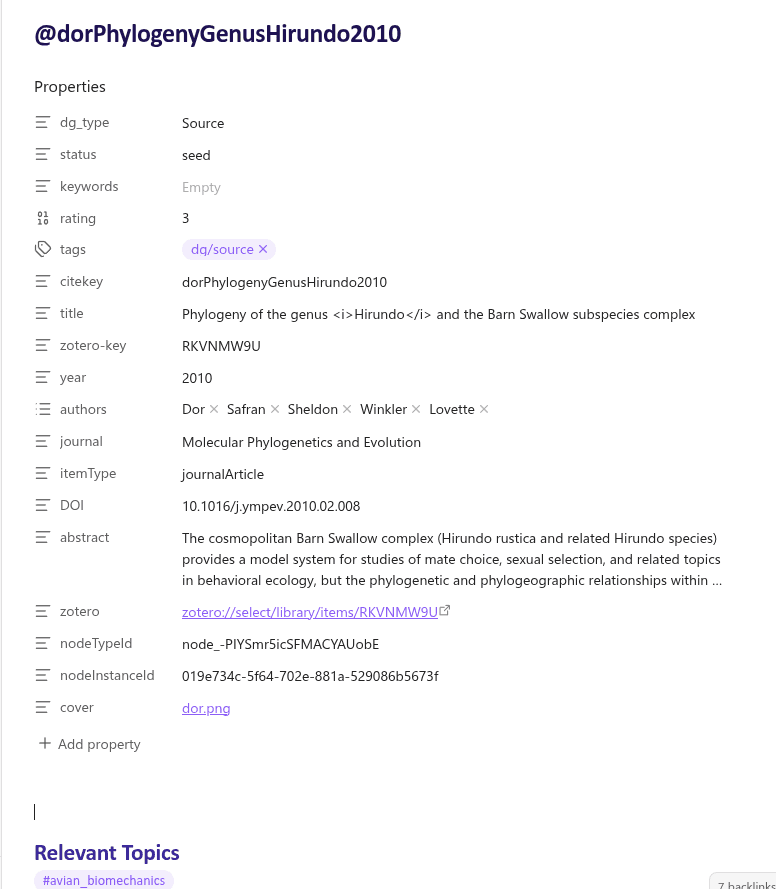
After you’ve captured capture a few ideas, you can mark those that you might want to add to your graph later as candidate nodes. The progressive formalization ethos of the discourse graph protocol also applies to the process of deciding how to direct your attention: you can have a number of leads on potential projects active at once, and decide which ones to curate further later.
 _Bullet Journal with candidate nodes in a Daily Notes page _